
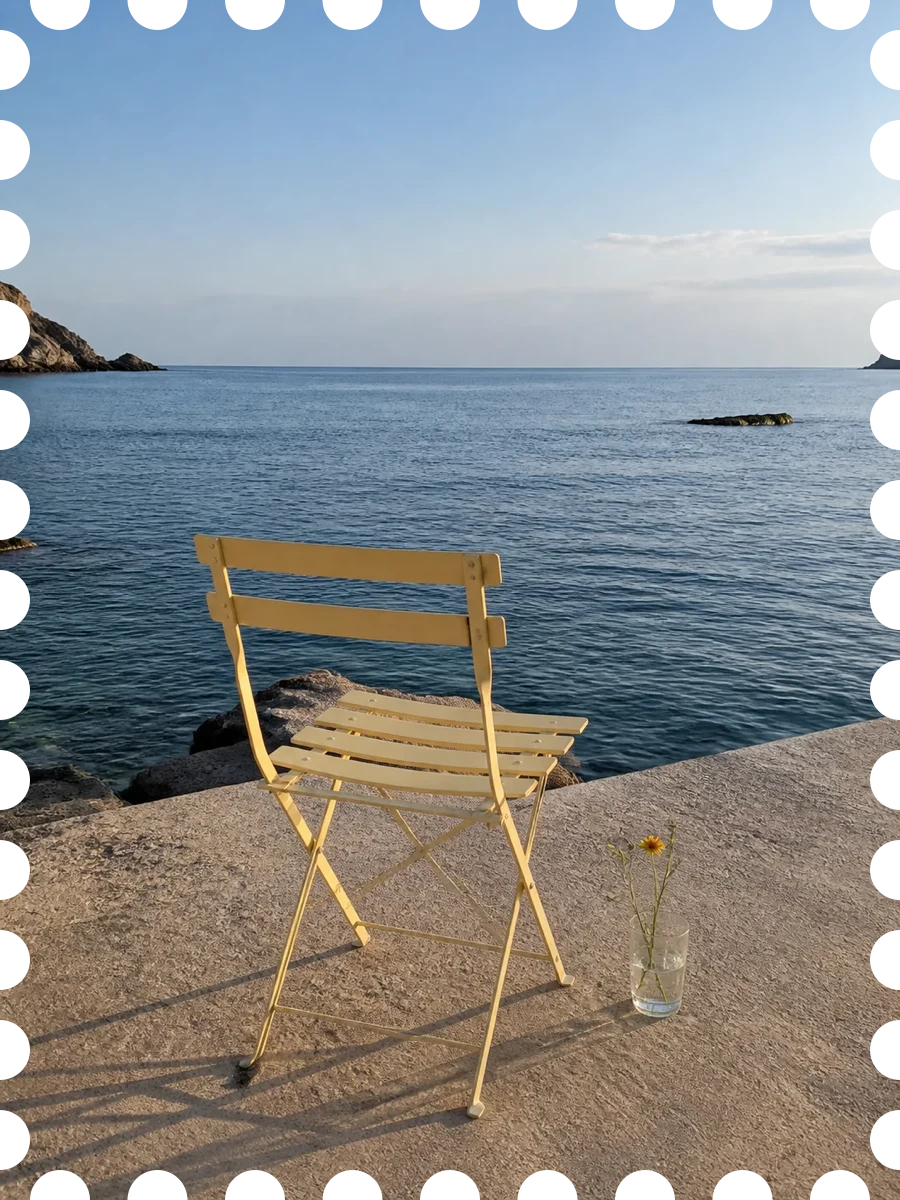
01
A little farther
Sea air and a chair warmed by the sun.
 Kitte It 中文
 Kitte It · a new way to keep a photo
Capture what is in front of you, or choose a photo you already love. Kitte It turns it into a Photo Stamp with transparent perforated edges, kept in your local collection.
One photo, three simple steps
No templates and no complicated controls. Choose the photo, and Kitte It gives it the shape it needs.
Use the camera for the moment in front of you, or choose one from your library.
Your photo becomes a stamp with genuinely transparent perforated edges.
Save the ones you love locally, then export or share only when you are ready.
In the app
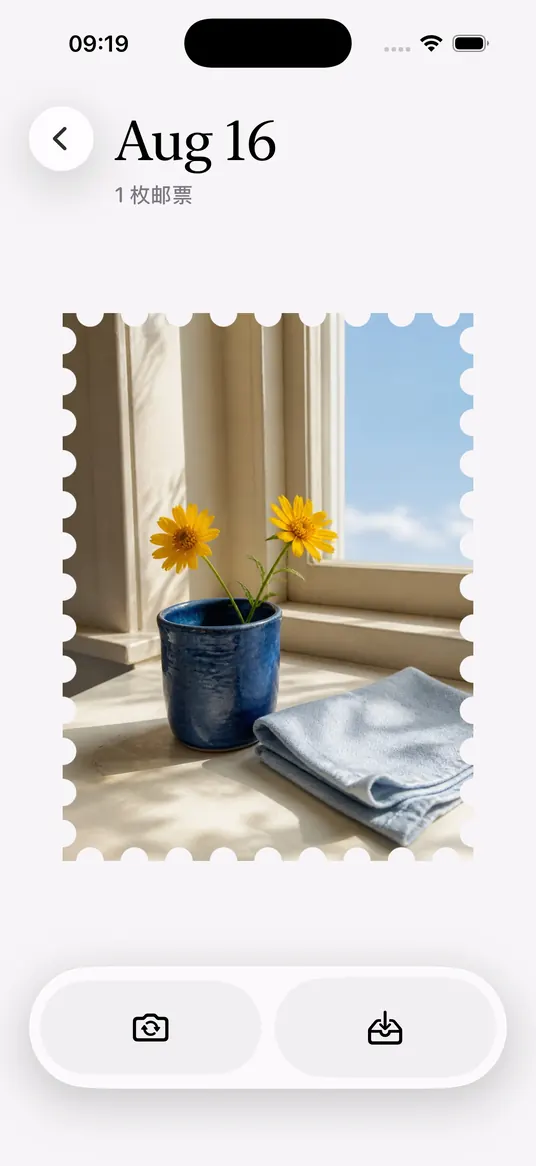
From generation to your collection, every screen keeps the photograph at the center. In detail view, the stamp gives a subtle response to your touch.
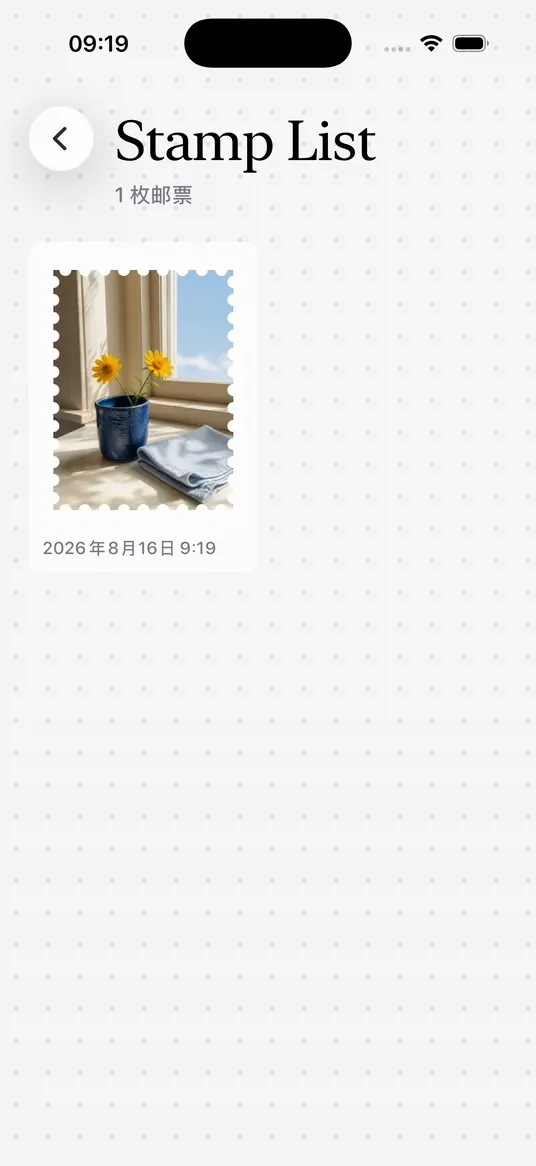
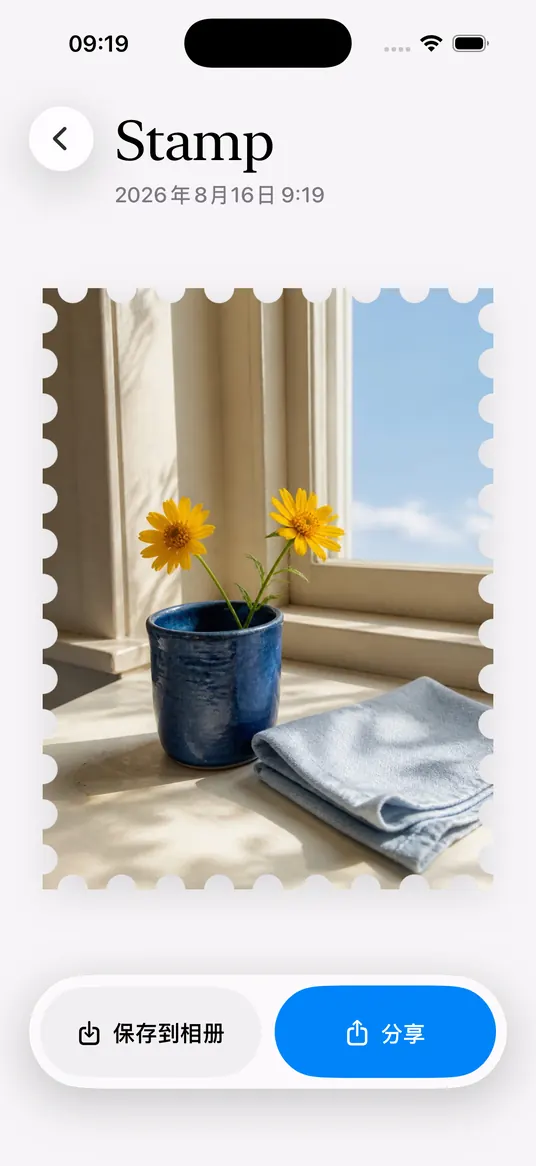
Everyday moments are worth keeping
A walk somewhere new, time with someone familiar, or a perfectly ordinary morning. You choose what stays.
Sea air and a chair warmed by the sun.
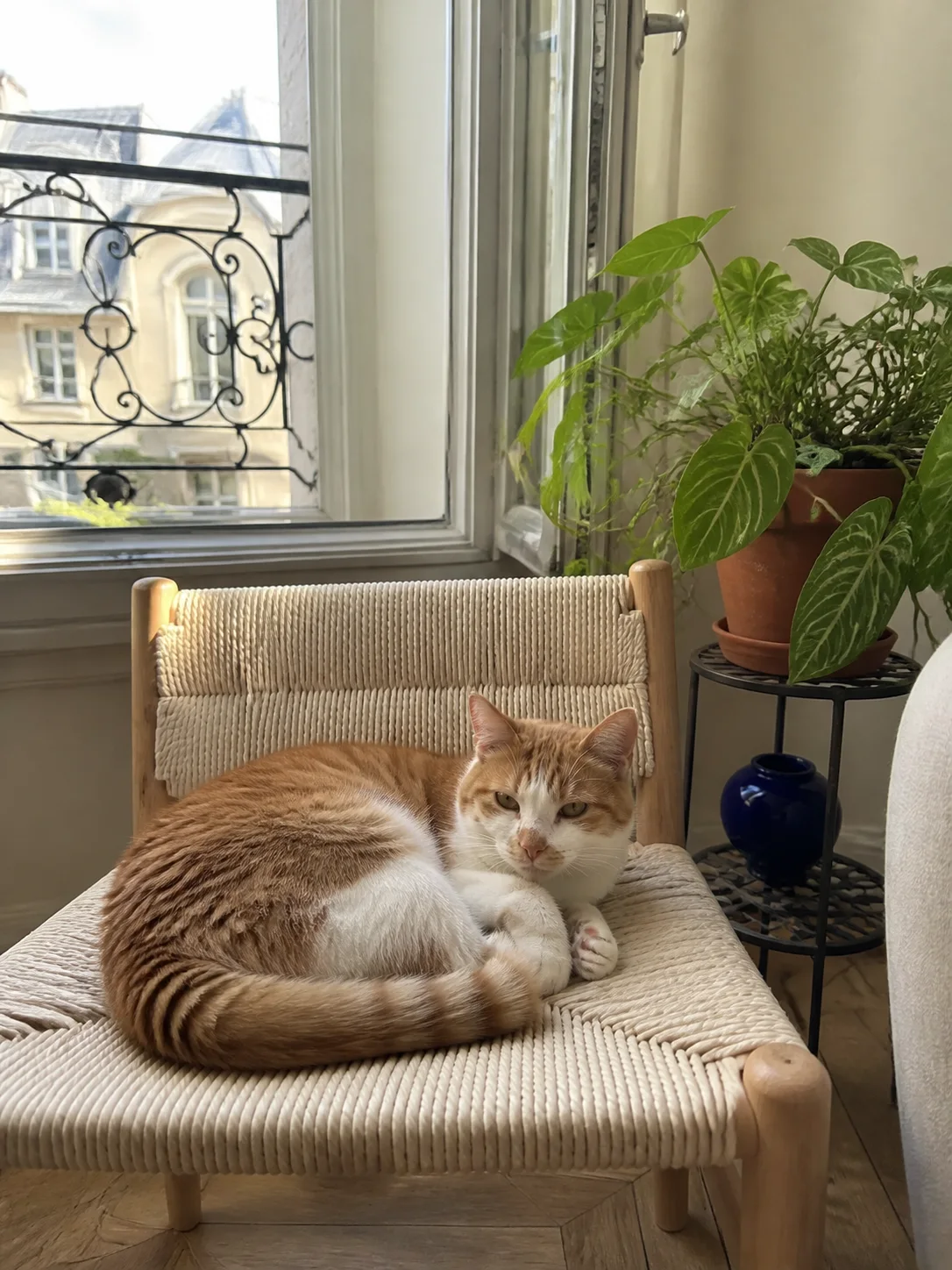
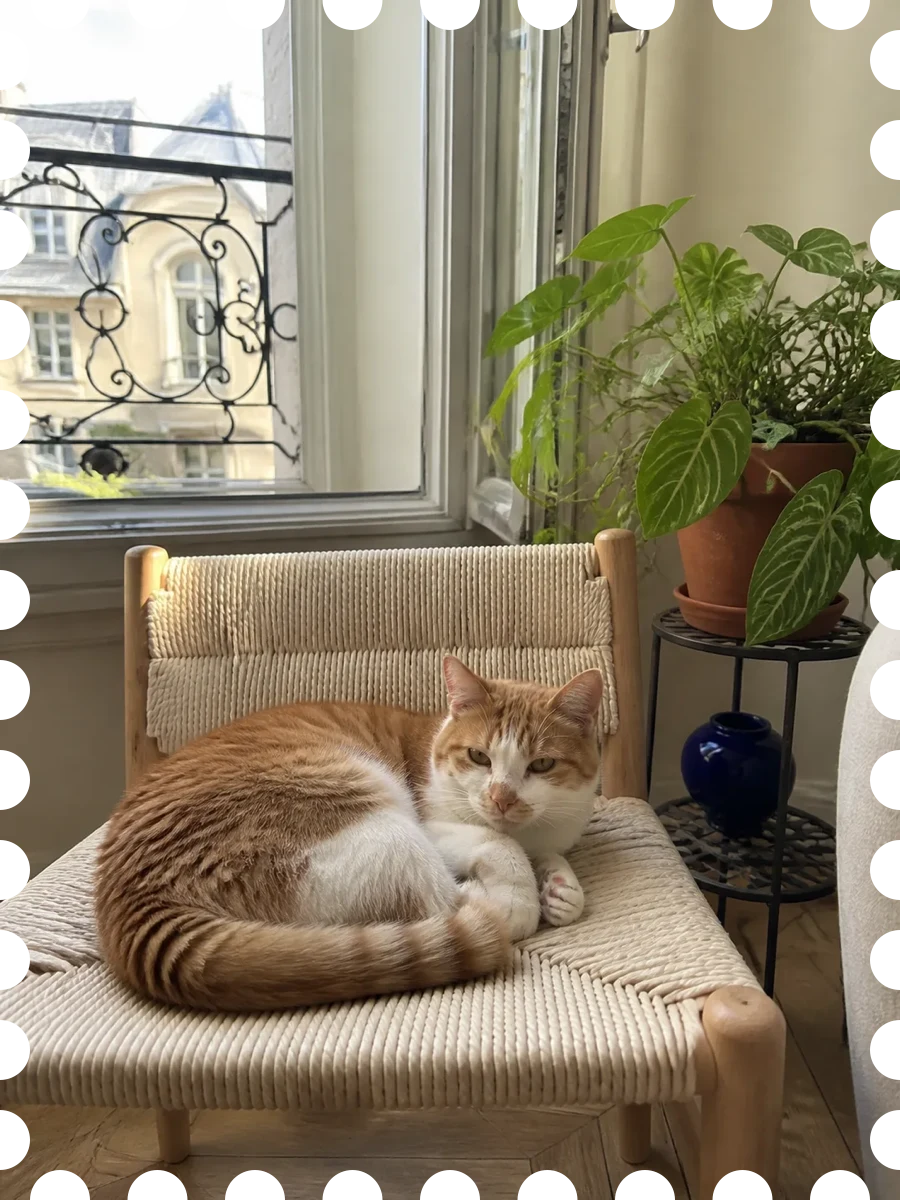
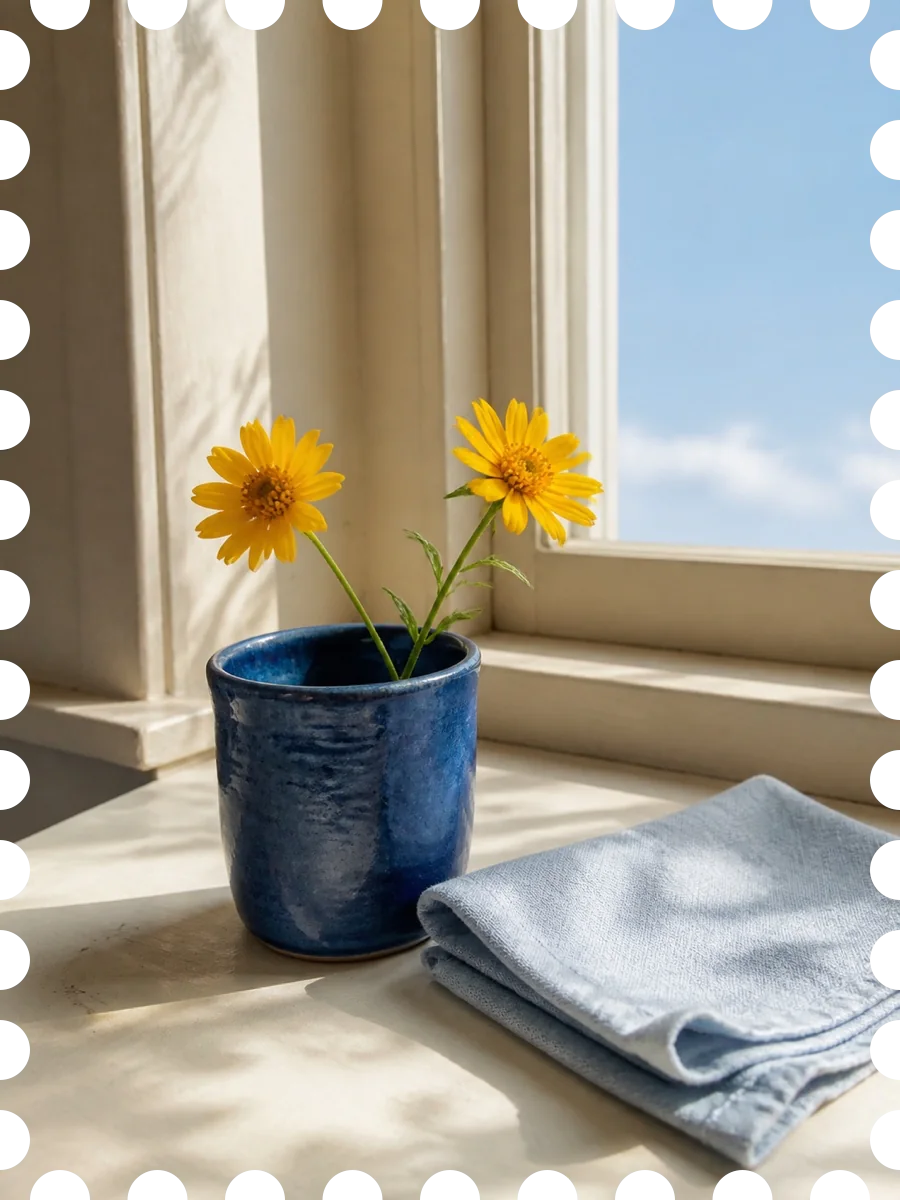
A small afternoon in the window light.
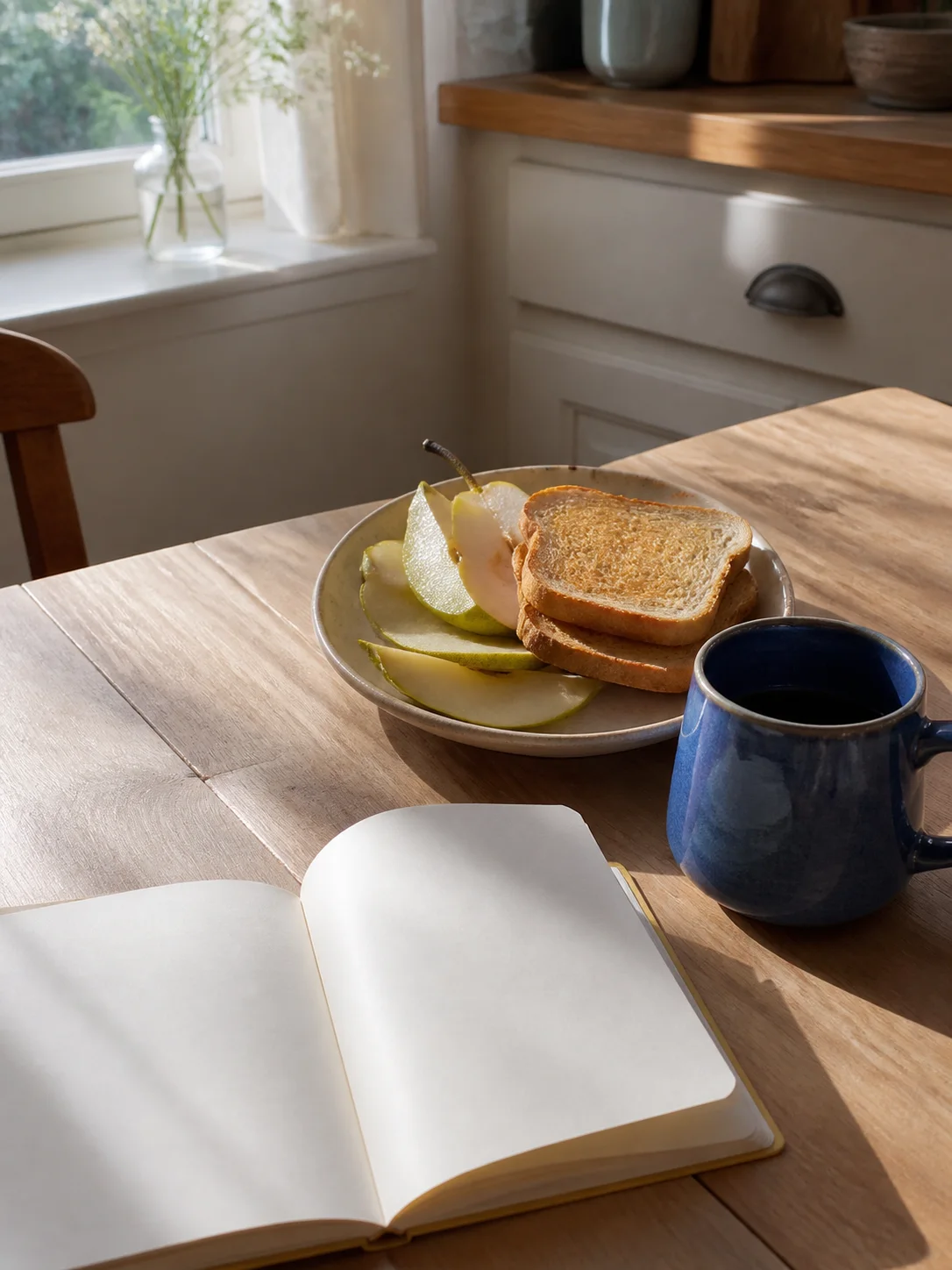
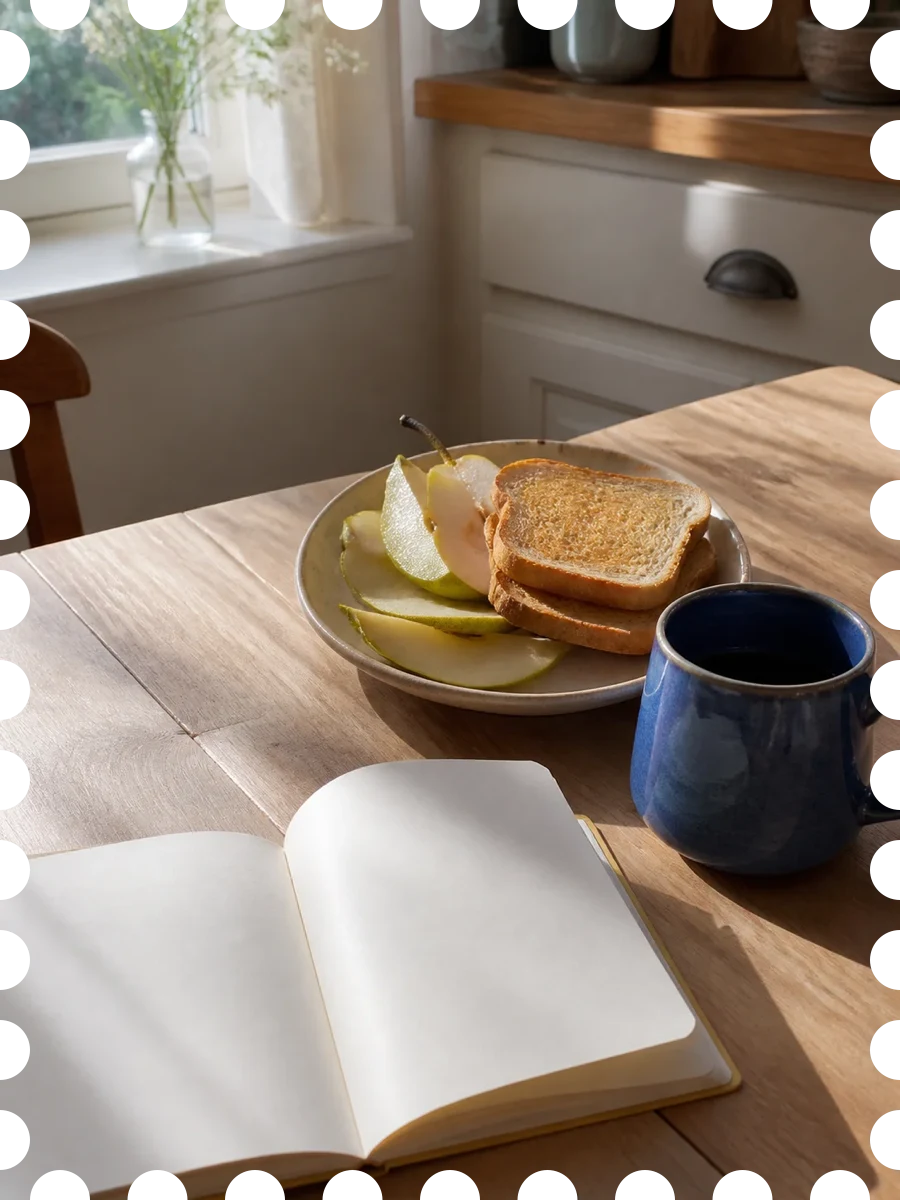
Toast, pears, and a blue cup.
Your photos stay yours
Your photos are made into stamps and collected on your device.
No account, advertising, or tracking.
Every finished stamp stays on your iPhone.
You decide when a stamp is saved or shared.
Almost here
Until public download is ready, see what a single photo can become.